Phase 1: The Safe Backdoor (Trusted Devices)
The fastest method to regain control doesn't involve the authenticator app at all. It relies on leveraging sessions you already have open (what we in cybersecurity call Token Session Persistence).
- Open your laptop, tablet, or an old phone. Do you have your Google, Facebook, or Binance account currently open in a browser or app there?
- If the session is still active, do not close the tab. Platforms rarely request 2FA codes from trusted devices that previously logged in.
- Go directly to the account's Security Settings and select "Disable Two-Factor Authentication". You can then immediately re-link it to your new phone.
Phase 2: The Holy Grail (Backup Codes)
When you enabled 2FA for the first time, the system forced you to look at a screen with a list of 8 to 10 long numeric codes and explicitly told you: "Save this in a safe place." Each of these codes can be used only once to bypass the authenticator app.
| Platform | Typical filename to search on your PC |
|---|---|
| Google / Gmail | google_backup_codes.txt or your printed notes. They are 10 codes of 8 digits each. |
| Discord | discord_backup_codes.txt (Discord forces you to download it when enabling 2FA). |
| Instagram / Facebook | People usually take a screenshot of these. Check your Google Photos or Apple iCloud. |
| Crypto (Binance, Coinbase) | A 16-character Secret Key (Setup Key). If you wrote it down on paper, you can enter it manually into your new app. |
Phase 3: Cloud Magic (Google Authenticator & Authy)
If you switched phones and wiped the old one, your situation heavily depends on which app you were using. Modern cloud architecture can save the day here:
If you used Google Authenticator:
Historically, this app stored codes strictly locally. However, since April 2023, Google introduced cloud sync. If you were logged into your Google account within your old app (indicated by a green cloud icon), just download the app on your new phone, log in with the same email, and all your codes will instantly sync back.
If you used Authy (Twilio):
Authy has always featured cloud backups. Simply download the app, enter your phone number, and verify the SMS. It will then prompt you for a "Backup Password". If you remember the password you created the very first time you used the app, 100% of your codes will be restored immediately.
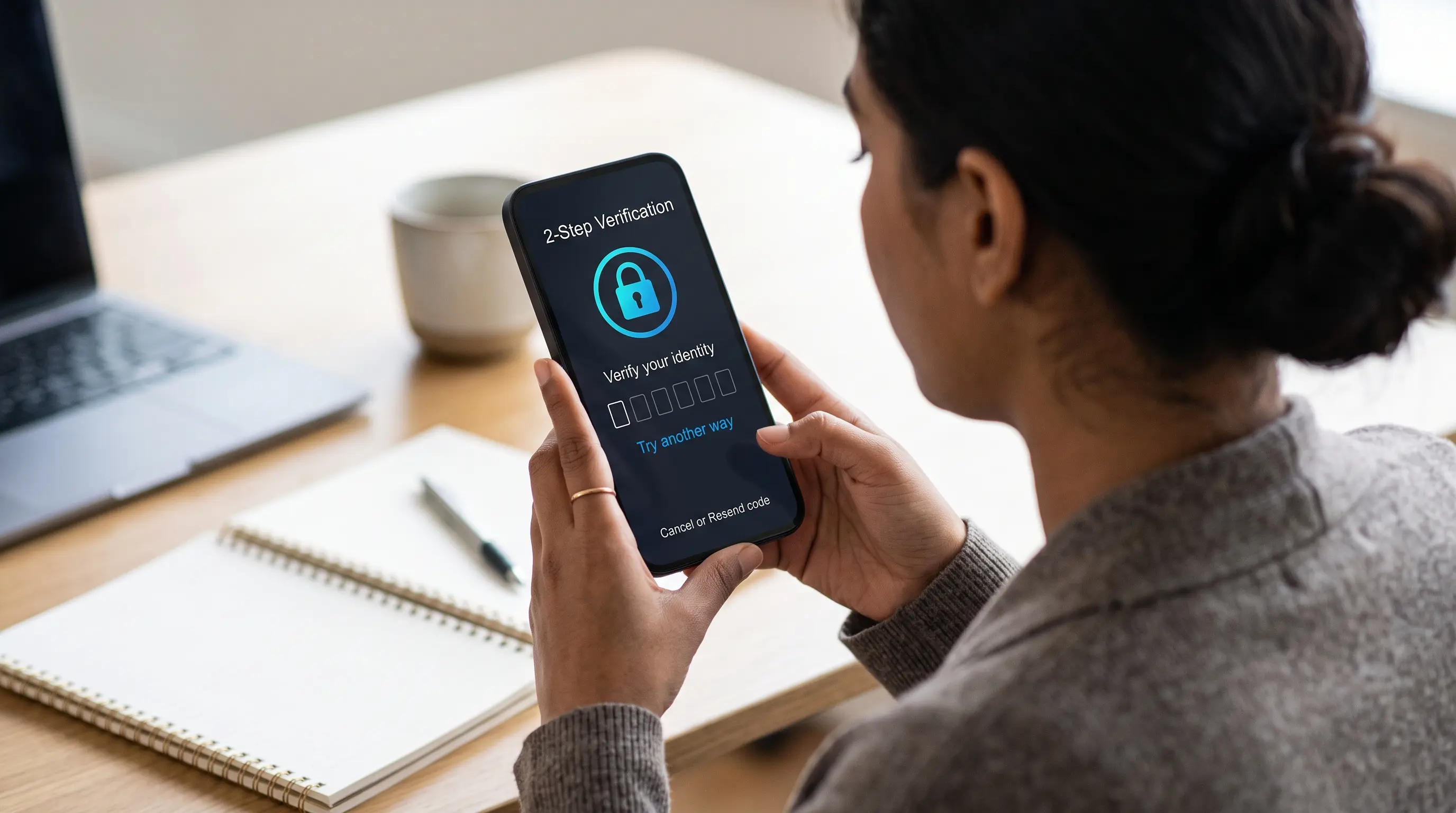
Phase 4: The Last Resort (Identity Verification - KYC)
If you have no open sessions, can't find backup codes, and 2FA wasn't synced to the cloud, you've reached the slow lane. By clicking "I don't have my app" or "Try another way", systems will guide you to a manual recovery form.
Platforms like Binance, Microsoft, or banks will require a KYC (Know Your Customer) process. You will need to upload a photo of your government-issued ID (Passport, Driver's License) and often record a short video turning your head or holding a piece of paper with today's date. A human agent will review the case and, usually within 48 to 72 hours, disable 2FA on your account so you can log in with just your password.
[Your affiliate link to 1Password, Bitwarden Premium, or Yubico/YubiKey goes here]
🤖 Evaluate your main email's security
If you lost access to your phone, could someone else have it? If an attacker has your device, they might receive your recovery emails. Review any suspicious emails you've recently received using our AI-Powered Verifier to detect if you are being targeted by a directed Phishing attack.