Phase 1: Immediate Containment (Isolate the patient)
Ransomware is designed like a biological virus: once it infects a machine, it will actively seek to jump to all other devices connected to the same network (phones, shared hard drives, Smart TVs, or company servers).
- Disconnect the network cable (Ethernet) from the back of your computer RIGHT NOW.
- If you use Wi-Fi, turn off your home/office router physically by unplugging it from the power outlet.
- Disconnect any USB flash drives, external hard drives, or phones currently plugged into the infected computer.
Phase 2: What you should NEVER do
Incident response engineering in 2026 dictates strict rules regarding post-infection behavior. Making any of these common mistakes will destroy your chances of recovering your information:
| Common Mistake | Technical Consequence |
|---|---|
| ❌ Paying the ransom | Paying guarantees nothing. You are dealing with criminals. In 2026, 80% of victims who pay either don't receive the full decryption key or are attacked again weeks later because the attackers know you are willing to pay. |
| ❌ Connecting your backup | If you plug in your external hard drive containing your backups (photos, documents) while the computer is still infected, the Ransomware will encrypt your backup in seconds. You will lose everything. |
| ❌ Repeatedly rebooting | Do not shut down or reboot the machine in a panic. Sometimes, the encryption key remains temporarily stored in the RAM. By turning off the computer, you wipe that memory, destroying the only clue a forensic analyst could use to save your data. |
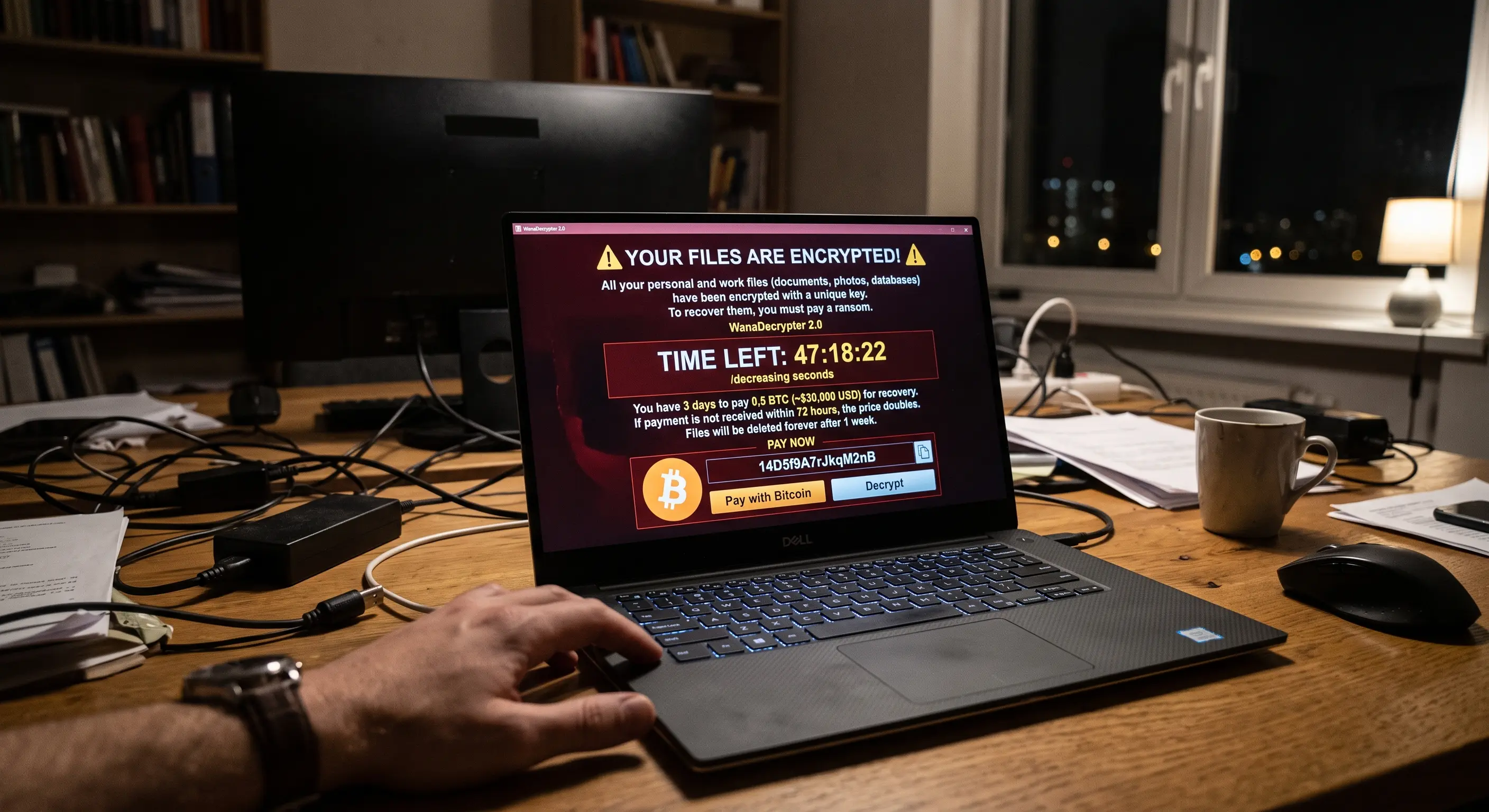
Phase 3: Identification and cure attempt
Once completely disconnected from the internet, take a picture of your computer screen with your smartphone. Identify the new extension appended to your files (for example: document.docx.locked or photo.jpg.crypt) and look for the name of the criminal group in the ransom note (e.g., LockBit, REvil, WannaCry).
Using your smartphone (without connecting it to the infected computer), visit the official No More Ransom portal (nomoreransom.org), a global initiative backed by Europol and cybersecurity firms. You can upload a sample of your encrypted file there. If the virus is older or its code has already been cracked by authorities, they will provide a tool to unlock your computer 100% free of charge.
Phase 4: The harsh reality (Formatting)
If No More Ransom doesn't have the key for your specific infection, your files are cryptographically lost. The only safe way to ever use that computer again is to perform a low-level format (wiping the hard drive completely) and reinstalling the operating system from scratch using a clean USB drive.
[Your affiliate link to Backblaze, IDrive or Acronis Cyber Protect goes here]
🤖 Evaluate how the threat entered
Ransomware almost always enters because someone clicked where they shouldn't have. If you suspect a strange email or a WhatsApp attachment you downloaded right before your screen locked, type it into our AI Message Checker from your phone to confirm the attack vector and prevent it from happening again.