Imagine coming home after a long day at work, but when you try to open the front door, your key won't turn. Someone has changed the locks on your own house. Taped to the door is a note: "We have control of your house. If you want the new key, deposit $50,000 into this anonymous bank account within 48 hours."
That is exactly what Ransomware is (a combination of Ransom and Software), but applied to your computer, your smartphone, or an entire company's servers.
1. How does digital hijacking work?
Ransomware doesn't delete your files, nor does it physically steal your computer. Its main weapon is Cryptography (data encryption).
When this virus enters your system, it silently begins transforming all your documents (family photos, spreadsheets, client databases) into unreadable mathematical codes. This process is called "encryption." Once finished, it locks your screen and displays a "Ransom Note," demanding payment in cryptocurrencies (usually Bitcoin) in exchange for the mathematical password needed to decrypt and recover your assets.
2. How does Ransomware get into your device?
Much like vampires in movies, Ransomware almost always needs you to "invite it in." Its most common infection vectors are:
- Classic Phishing: You receive an email that looks like an urgent invoice from FedEx, Amazon, or the IRS. When you download and open the attachment (which often disguises itself as a PDF or Word document), the virus executes.
- Pirated Software: Downloading free video games or expensive "cracked" programs from shady forums is one of the fastest ways to get infected.
- Unprotected Remote Desktops (For businesses): If your company leaves internet connections open so you can work from home without a secure VPN, hackers can guess the passwords (RDP attacks) and drop the virus directly into the network.
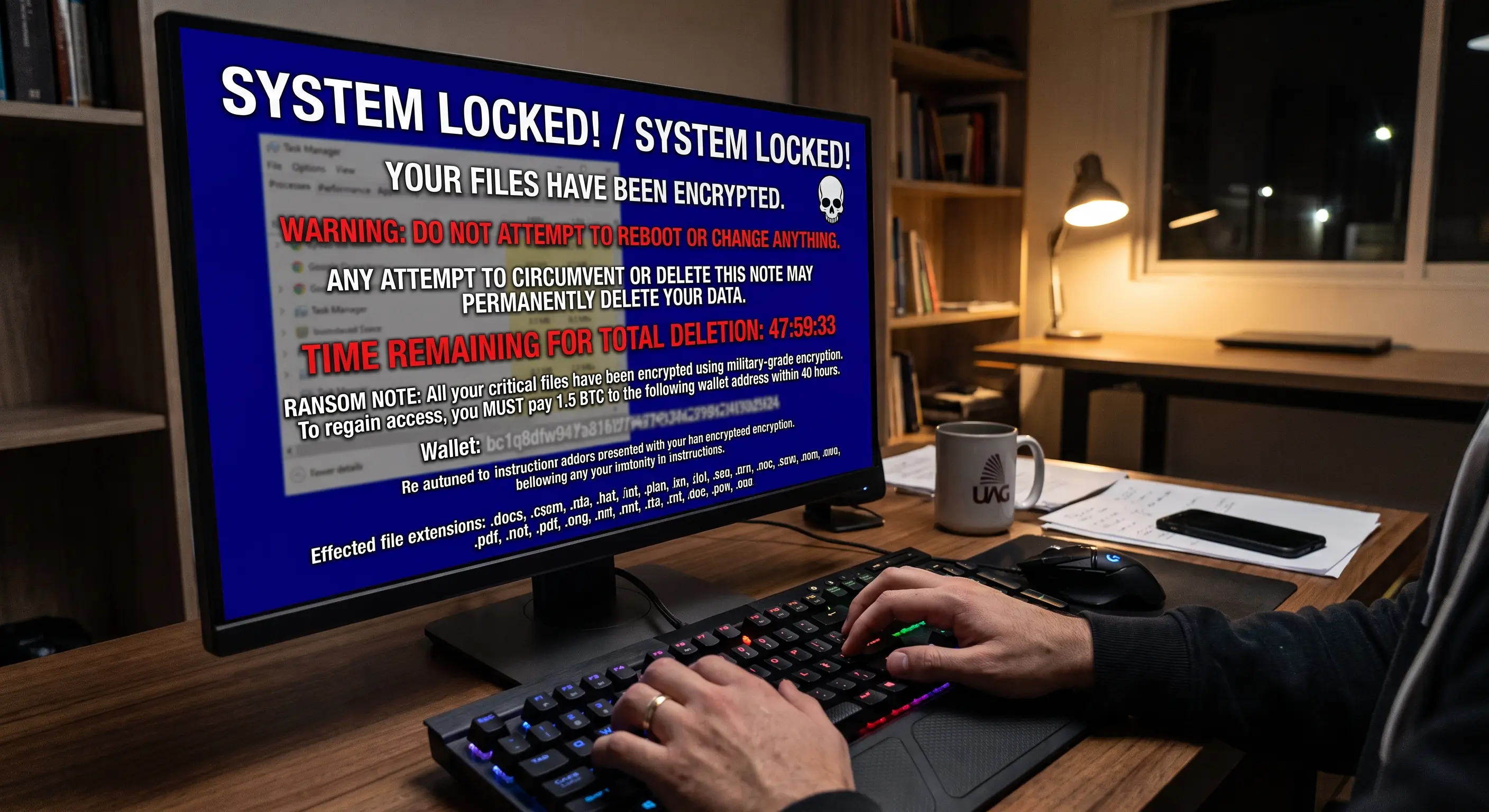
3. The Great Dilemma: Should you pay the ransom?
The unanimous answer from cybersecurity engineers, the FBI, and international agencies is a resounding NO. There are three architectural reasons why you should never pay:
- There are no guarantees: You are dealing with criminals. Many groups receive the thousands of dollars and simply disappear without handing over the decryption key.
- You become an "easy target": If you pay, hackers add you to a list of "clients willing to pay." It is highly likely that they will attack you again in a few months.
- You fund crime: Every dollar paid finances the development of more powerful viruses and global criminal networks.
🛡️ The Ultimate Vaccine: The 3-2-1 Rule
The only way to defeat Ransomware is to render its threat useless. If you have copies of your files, you can simply format your computer and recover everything without paying a dime. Apply the professionals' 3-2-1 backup rule:
- Keep 3 copies of your important data (the original + 2 backups).
- Use 2 different storage media (e.g., an external hard drive and the Cloud).
- Keep 1 copy offsite (in a cloud service like Google Drive or OneDrive, completely disconnected from your physical network).
🤖 Filter the danger before downloading
90% of Ransomware attacks start with an email pressuring you to download a fake invoice or payment receipt. If an email makes you suspicious, copy the full text and paste it into our AI Message Checker. XolHound will read the hidden intent behind the message and warn you if it's an infection attempt.