For over a decade, the number one rule for browsing the internet was: "Before entering your data, check that the page has a closed green padlock next to the web address." We were taught that this padlock was the ultimate seal of an official and secure webpage.
However, fraud tactics have evolved drastically. Today, more than 80% of the webpages created by scammers to steal passwords and credit cards also feature a closed padlock. Understanding why this happens is vital to stop falling for visual tricks.
1. What Does the Padlock (HTTPS) Really Mean?
The padlock indicates that the page uses a protocol called HTTPS (HyperText Transfer Protocol Secure). The only thing this protocol does is encrypt the communication channel between your computer and the website's server.
Imagine you are sending a package through the mail. The old HTTP (without a padlock) was like sending an open postcard: the mail carrier or anyone at the post office could read what you had written. HTTPS (with a padlock) is like sending your message inside an armored safe. No one along the way can intercept or read your password or card number.
2. The Great Myth: "Secure" Does Not Mean "Trustworthy"
Here is the misconception that criminals exploit: The padlock guarantees that your data's journey is a secret, but it DOES NOT guarantee who is receiving the safe on the other end.
If you land on a fake page designed to look identical to PayPal, and that page has HTTPS, your connection is "secure." The problem is that you are sending your data 100% securely and encrypted... directly to a hacker's database. The channel is protected, but the destination is malicious.
3. Why Do Fake Pages Have Padlocks Now?
Years ago, getting an "SSL Certificate" (the digital file that activates the padlock) cost money and required passing a corporate verification process. If you saw a padlock, you knew a legitimate company was paying for it.
Today, in an effort to make the entire web private, non-profit organizations like Let's Encrypt give away SSL certificates for free in an automated fashion. A scammer can create a fake page (e.g., urgent-netflix-login.com) and get a valid, free padlock in under 5 minutes, without having to prove their identity.
🛡️ The New Golden Rule
The padlock is necessary, but it is no longer enough. To verify if a website is legitimate, you must adopt these practices:
- Don't look for the padlock, read the URL: Ignore the icon and carefully read the domain name. If you want to log into your bank, make sure it says
yourbank.comand notsecurity-yourbank.comor strange variations. - Use a Password Manager: Managers link your password to the official website address. If the page is a perfect clone with a padlock included, the manager will refuse to fill in your data, saving you automatically.
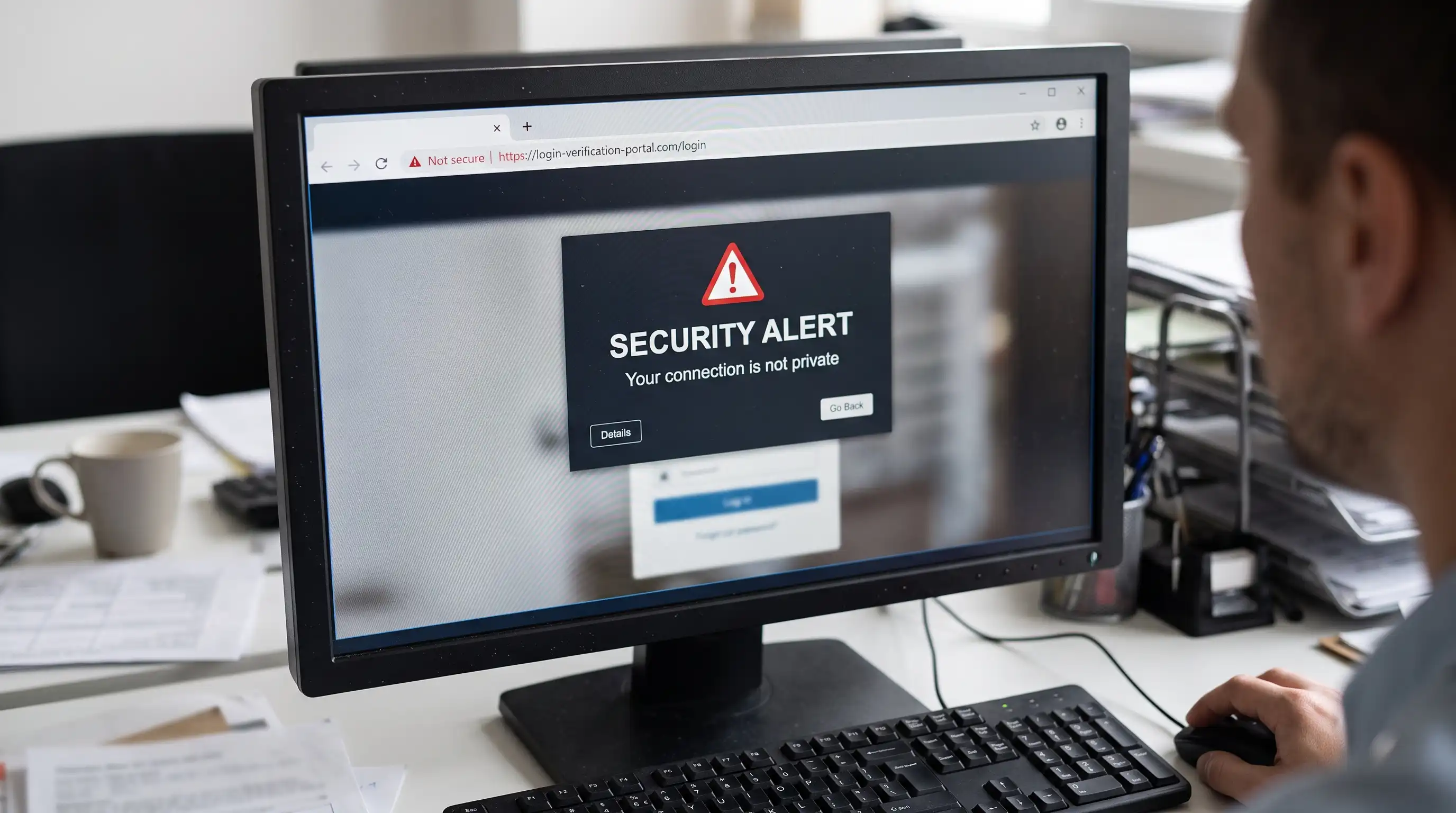
- If there is NO padlock, run: Having a padlock doesn't mean the web is safe, but if it doesn't have one (the browser says "Not Secure"), it is an absolute guarantee that anyone on your Wi-Fi network will be able to steal your data instantly.
🤖 Analyze Beyond the Padlock
If you receive a link via email or SMS that looks official and upon opening it you see the security padlock, do not trust it immediately. Copy the full address of that page and paste it into our AI Message Checker. XolHound will analyze the real structure of the domain to tell you if the padlock belongs to a legitimate company or is a disguise.