WhatsApp account hijacking is no longer an isolated prank; it has evolved into a multi-million dollar criminal industry. Cybercriminals steal your account, impersonate you, and scam your contacts by requesting urgent Zelle or Venmo transfers. The only real architectural barrier between your privacy and these attackers is called Two-Factor Authentication (2FA).
1. What exactly is 2FA in Security Engineering?
Traditionally, accessing a system required only one authentication factor: "Something you know" (your password). The problem is that passwords are easily leaked, guessed, or stolen via phishing. Two-Factor Authentication (2FA or MFA) demands a second proof of identity that belongs to an entirely different category.
Security factors are divided into three fundamental pillars:
- Something you know: A password, a security PIN, or the answer to a secret question.
- Something you have: Your physical mobile phone (to receive an SMS or use an authenticator app) or a physical hardware token.
- Something you are: Biometrics (your fingerprint, facial recognition, or iris scan).
By requiring two different pillars (e.g., your password + a code sent to your physical phone), if a hacker steals your password overseas, they cannot access your account because they don't have your physical device in their hands.
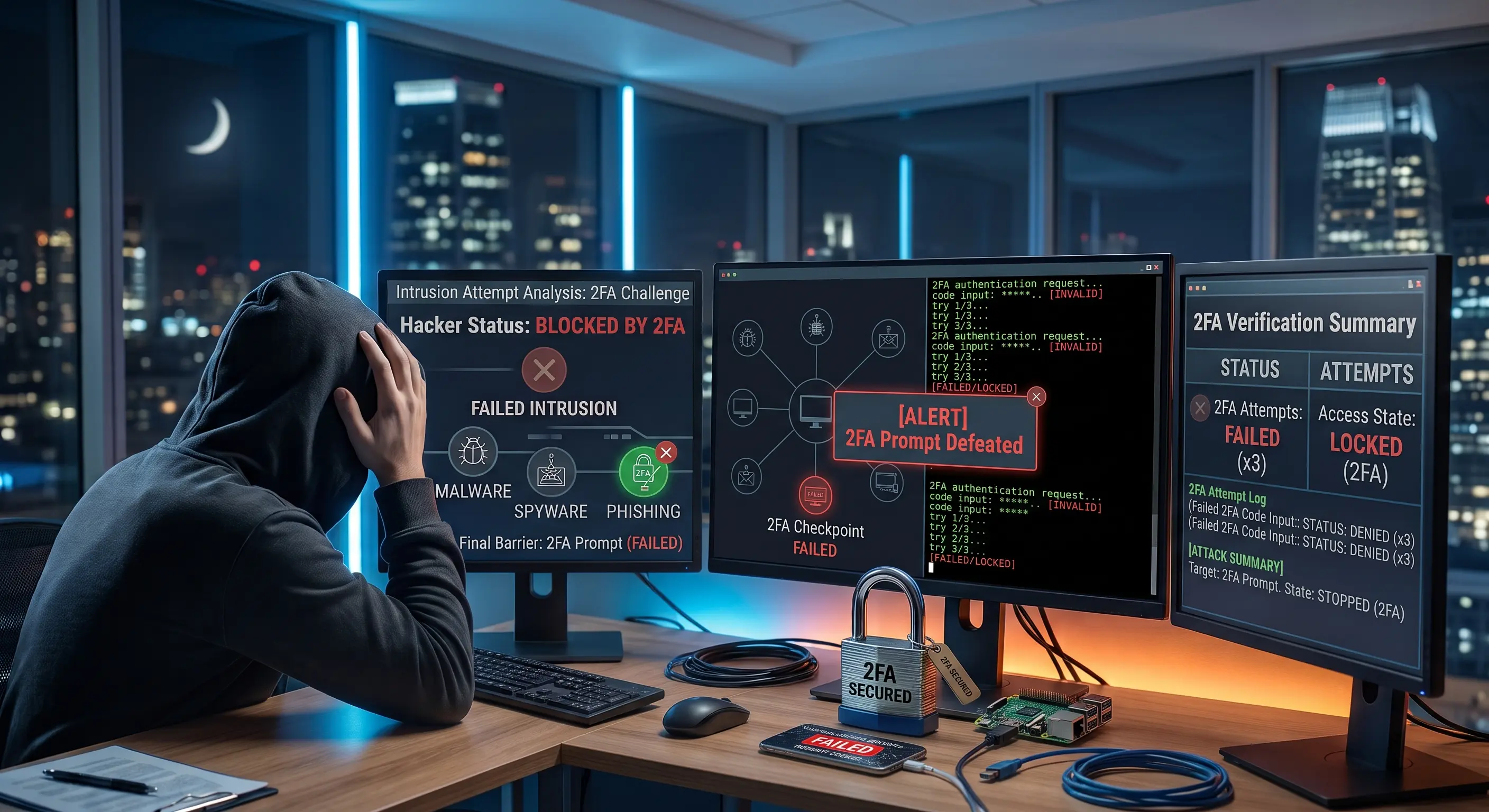
2. The Epidemic: How do they steal WhatsApp without your phone?
By default, WhatsApp links to your phone number by sending a 6-digit SMS code when you try to log in on a new device. Attackers use two main vectors to breach this system:
- The Voicemail Trick: Attackers try to log into your WhatsApp in the middle of the night. Since you are asleep and can't read the SMS, they request WhatsApp to dictate the code via an automated phone call. If you don't answer, the code goes straight to your voicemail. Many users leave their carrier voicemail without a password or use the default PIN (often the last 4 digits of their phone number), allowing the hacker to call your voicemail from another phone, listen to the code, and hijack the account.
- Direct Social Engineering: They call you pretending to be from FedEx, UPS, or tech support, and trick you into reading the 6-digit SMS code out loud to them.
3. Ultimate Tutorial: How to activate 2FA on WhatsApp
Enabling two-step verification on WhatsApp requires zero technical skills. It’s a 30-second process that creates an "internal PIN" (Something you know) that the attacker can never obtain, even if they intercept your SMS (Something you have).
⚙️ Exact setup steps:
- Open your WhatsApp app and tap the Settings icon (the three dots on Android or the gear on iPhone).
- Navigate to the Account section.
- Tap on Two-step verification and then press the Turn on button.
- The system will ask you to create a 6-digit PIN. This is your real shield. Choose a number that is not your birthday or obvious sequences like "123456".
- Re-enter the PIN to confirm it.
- Critical Step: Enter a real and secure email address. If you ever forget your PIN, this will be your only way to regain access to your WhatsApp.
- Tap Save and then Done.
4. Beyond WhatsApp: 2FA in your digital life
WhatsApp uses a static 2FA (a fixed PIN), but for the rest of your accounts (Banks, Gmail, Social Media), professional cybersecurity demands dynamic 2FA (codes that change every 30 seconds). Here is the security hierarchy:
| 2FA Method | Security Level | Main Vulnerability |
|---|---|---|
| SMS Codes | Low / Moderate | SIM Swapping attacks (cloning your SIM card) and telecom network flaws. |
| Authenticator Apps (Google Auth / Authy) | High | If the attacker uses real-time phishing (AiTM Attack), they can steal the token. |
| Hardware Keys (YubiKey / FIDO2) | Military Grade (Max) | No remote vulnerabilities. Digitally impossible to hack. |
[Your affiliate link for 1Password, Bitwarden Premium, or NordPass goes here]
🤖 Identify fraud before it happens
Scammers will always invent excuses ("you won a prize," "your package is delayed") to ask for your security codes. If you receive a suspicious message demanding urgency, copy and paste it into our AI Message Checker. XolHound will analyze the psychological attack patterns and tell you if it is safe to reply.